Education
Lesson plans, study materials and progress summaries.
- Documents
- Presentations
- Flashcards
Make a presentation, plan your week or run your business—with an AI assistant and apps designed to work together.
Downloads and browser access are unavailable.

Let the assistant help with the first draft while you decide what to keep and change.
Use research in a document, then turn it into slides. bwebo’s own apps are being designed to carry work between them, so you can continue without connecting separate services.
Explore bwebo’s apps
Research a topic, organise the key points and turn them into slides you can edit.
Apps: Research → Notes → Documents → Presentations
Bring tasks, meals and household plans into a schedule, then make your shopping list.
Apps: Tasks → Calendar → Meal planner → Shopping lists
Collect reading, make revision notes, connect ideas and practise what you want to remember.
Apps: Research → Study notes → Mind maps → Flashcards
Draft the message, create the graphics, plan your posts and review the results.
Apps: Documents → Design → Social publishing → Reports
Keep website work, customer records, accounts and ongoing projects connected.
Apps: Website builder → CRM → Accounting → Projects
Save useful notes, share important dates and organise belongings and care routines.
Apps: Notes → Family calendar → Home inventory → Pet care
Examples of how the planned apps could work together.
View all 6 task examplesApps we’re building
Writing and design, learning and daily plans, business and more. Browse the apps we’re building for work and everyday life.
60 app types · App directory
Shape ideas into slides.
Draft, edit and share your writing.
Make graphics for your next idea.
Edit and organise your photos.
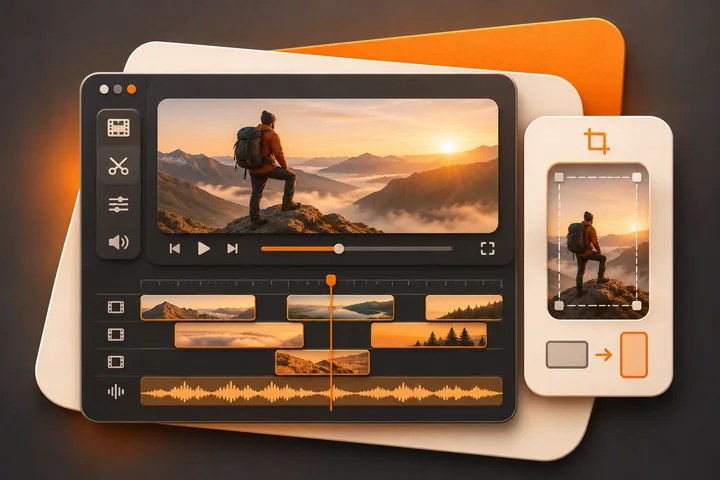
Bring clips into a finished story.
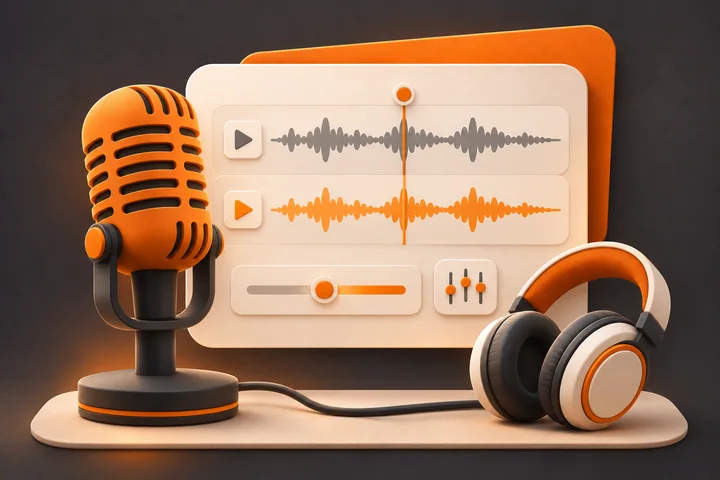
Record, edit and work with sound.
Capture a thought before it disappears.
Keep track of what needs doing.
Make room for the things that matter.
Take work from a plan to completion.
Explore ideas visually.
Save useful things for later.
Practise what you want to remember.
Organise lessons and revision.
Keep your books and reading in order.
Build a regular language practice.
Gather information and check sources.
Connect ideas as you learn.
Keep the meals you want to make.
Plan what is cooking this week.
Bring your groceries into one list.
Know what you have at home.
Build routines you can keep.
Organise workouts and activity.
Make a plan for your money.
Keep spending records in order.
Track upcoming payments.
Prepare and follow up invoices.
Keep business records together.
Make sense of the numbers.
Work through messages and replies.
Keep conversations with your team.
Plan and join a conversation.
Create a place around shared interests.
Write updates for your audience.
Plan content across your channels.
Keep customer relationships in view.
Collect the information you need.
Create a home for your business online.
Organise products and online sales.
Keep track of stock and supplies.
Organise questions and customer support.
Connect repeatable steps between apps.
Organise structured information.
Keep useful information in view.
Coordinate time and availability.
Work with files and formats.
Build and maintain useful software.
Organise routines and records for pets.
Keep track of your plants and their care.
Record and reflect on your sleep.
Coordinate the household calendar.
Keep a personal record and reflect.
Bring plans for a trip together.
Explore ways to play and learn.
Organise the media you enjoy.
Plan an occasion or shared activity.
Develop a story in your own words.
Keep the places and experiences you find.
Organise the things you love collecting.
App types shown are examples. Features and availability will be confirmed at release.
For different kinds of work
Prepare lessons, update a shop, plan a campaign or organise a project. Start with the work you need to do.
Lesson plans, study materials and progress summaries.
Product information, stock lists and customer follow-ups.
Store content, product visuals and sales reporting.
Menus, team schedules and day-to-day checklists.
Content plans, media production and audience updates.
Client briefs, campaign assets and project delivery.
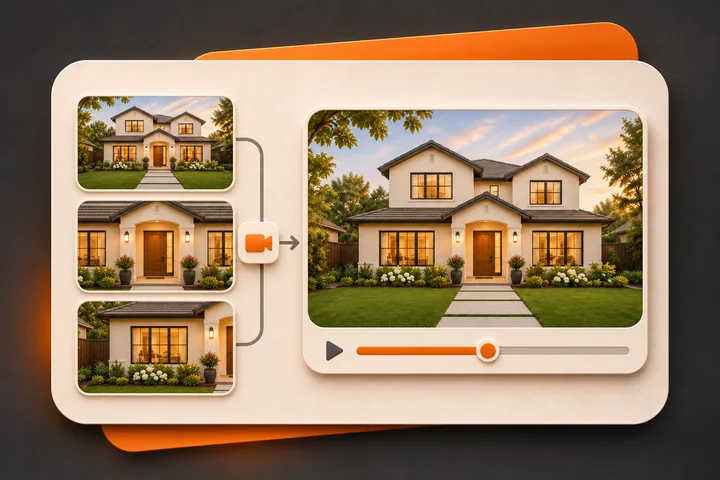
Property information, presentation material and enquiries.
Proposals, client records and work planning.
Community updates, fundraising material and reporting.
Stock records, operating documents and work schedules.
Project plans, shared documents and cost records.
Class plans, content and routine administration.
Example uses across different kinds of work. Explore the tools and task examples to find your starting point.
View all 12 industriesBring us the result you need—from video editing and property content to websites, design and business support. We’ll agree the work, price and delivery, and manage any specialists involved.
Review the deliverables, timeline, price and responsibilities before work starts.
Discovery and scopingCheck the result together and agree support, maintenance or handover.
Ongoing careWe’re building bwebo as one place for an AI assistant and connected apps for work, learning and everyday life. Ask for help with a task, or open an app and use it yourself.
Writing, design, planning, learning, home life, communication, money and business. The directory shows examples of app types we’re building toward; release details will confirm features and availability.
For bwebo’s own apps, connections are being built in from the start. Outside services may need extra setup and your permission.
Yes—that is part of the plan. Use an app directly, ask the assistant for help, or move between the two as you work.
bwebo is designed for the web, iPhone and Android. Downloads and browser access are currently unavailable.
The goal is free or affordable access across many apps. Prices, included features and usage limits will be announced before launch.
Tell us the result you need. We’ll review whether bwebo can help, then agree the work, price, delivery and ongoing support before starting.
The assistant in the corner currently answers questions about bwebo and helps explore project enquiries. It is separate from the connected consumer app we’re building.
Have another question? Visit Help or contact bwebo.